Dim, then sky
The first flight dimmed the menu bar, and it felt like an error. A blue sky with blurred icons feels like weather.
Mac app · Free
A banner plane flies across your menu bar when it's time for a break.
The problem
I spend long stretches prompting Claude and forget to stop. Every reminder I tried was a notification to swipe away or a pop-up to close unread. I wanted one I'd enjoy seeing: never in my way, impossible to miss.
The idea
It tows the reminder through the menu bar, the one strip of screen I'm never using.
Every few minutes or hours, or every few thousand words I send to Claude. Words are counted, never stored.
On a MacBook, the notch is a rock. On a screen without one, the engine sputters out.
The grave
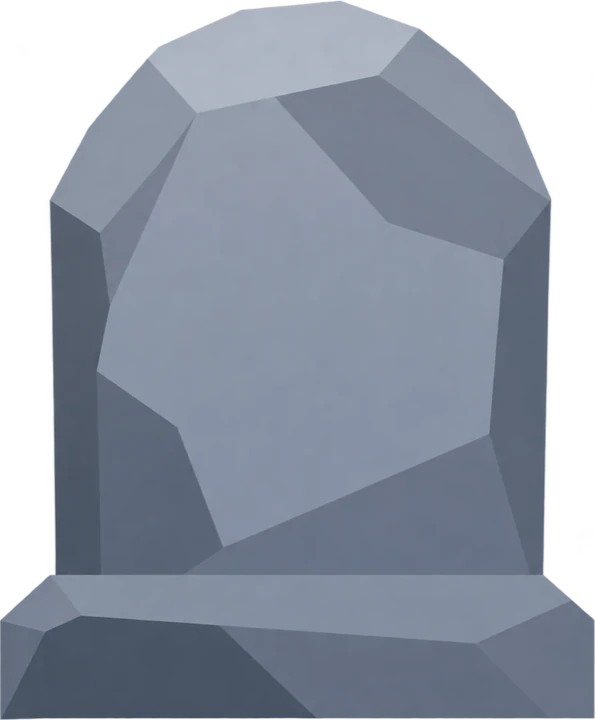
The joke is also the button. Click the stone and the break starts. Hover and a small × lets you skip. Ignore it and it fades after 30 seconds.
The break
A little car drives the Dock from the first icon to the last. It's the progress bar. Grass unrolls behind it and trees pop up as it goes.
Preferences
The whole window is one sentence. Change the unit and the number follows. Pick Words and a new line slides in.
Try it: type a number, open a menu, or switch to Analytics.
How I built it
I'd never shipped a Mac app. So I directed, the way I'd work with an engineer, and kept the loop short enough to run many times a day.
What changed
The first flight dimmed the menu bar, and it felt like an error. A blue sky with blurred icons feels like weather.
A white plane vanished against the screen as it fell. Red read instantly. Then I drew the final plane.
Set to 250 words, it flew at 1,900. Reading the message box live fixed it, with a 2-second pause so it never cuts in mid-sentence.
A second opinion
I set up a second AI with only the goals and the code. It reviewed the app at 8 checkpoints. Every finding got a written reply: fixed, disagreed with a reason, or a question for me.
For three updates, nothing I tested changed. One line was failing Swift's strictest check, and Xcode kept running the last good copy. The fix took a minute. Now I confirm the build worked before I judge a design.
Download
Free · macOS Tahoe 26 · Signed and notarized by Apple
 Before